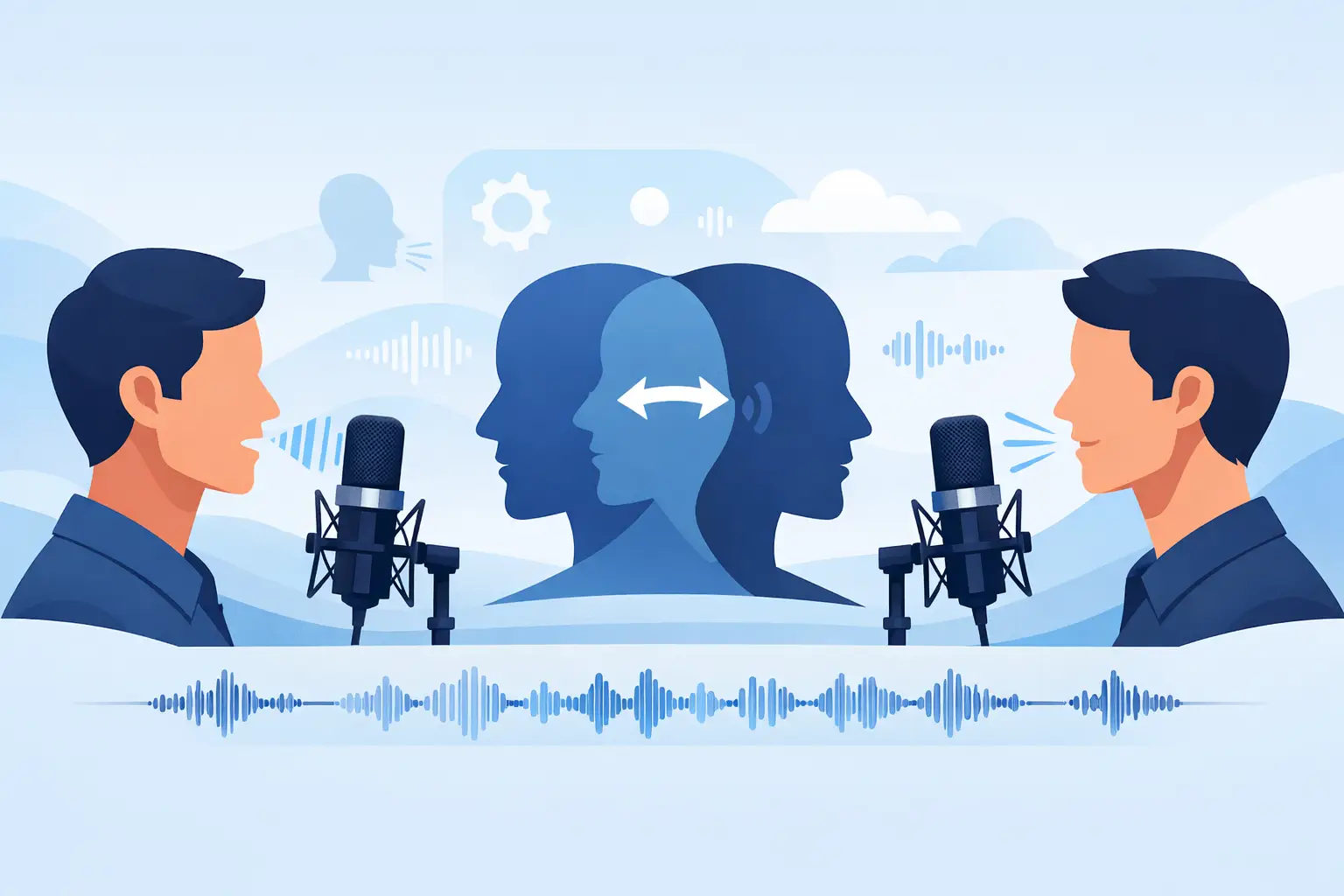
If your channel depends on a recognizable narrator, inconsistency gets expensive fast. Re-records eat time, hired talent slows production, and a different tone from video to video can make your content feel fragmented. That is exactly why creators search for how to clone narration voice — not for novelty, but for repeatable output that sounds like their brand every time.
For faceless YouTube channels, TikTok storytellers, gaming creators, and small production teams, voice cloning works best when you treat it like part of the publishing workflow, not a side experiment. The goal is simple: build a narrator identity you can reuse across shorts, explainers, story videos, ads, and serialized content without sacrificing speed or polish.
What "how to clone narration voice" really means
Most creators are not trying to make a perfect digital twin for a film studio. They want a voice that keeps the same tone, pacing, and personality across frequent uploads. That standard is different. It is less about technical perfection and more about whether the finished audio feels natural in the edit.
A strong narration clone should do three things well. It should sound consistent from script to script, stay intelligible over music and sound design, and save more time than it costs. If it misses any of those, the workflow starts breaking down.
This is where many people go wrong. They focus only on whether the cloned voice sounds similar in a quiet test sentence. But your audience hears it inside a real video — under background music, against gameplay footage, inside a 45-second story arc, or paired with on-screen captions. What matters is production performance, not just similarity.
Start with the right source audio
If you want to know how to clone narration voice well, start before the model ever processes a file. Your source recording matters more than most creators expect.
The best narration samples are dry, clean, and steady. Use a decent microphone, record in a quiet room, and avoid heavy compression, reverb, or background noise. Narration voices clone better when the delivery is controlled. That means a natural pace, clear enunciation, and a consistent distance from the mic.
You do not need a radio voice. You do need usable data. A slightly plain but clean recording will usually produce better results than a dramatic read captured in a noisy room.
It also helps to record the kind of delivery you actually want to generate later. If your videos are calm explainers, do not train the clone on loud hype-style reads. If your content is horror storytelling, the sample should carry that lower, slower energy. Voice cloning is not magic. It reflects the patterns you feed it.
Clone your narration voice in minutes
Upload a clean recording · Generate unlimited scripts · Export MP3 + SRT · Full commercial rights
Try voice cloning free →How to clone a narration voice without getting robotic results
Once you have clean source material, the next step is choosing a platform built for output, not just experiments. A lot of tools can generate speech. Fewer can help you move from script to publish-ready assets fast.
The practical workflow is straightforward. Upload the recording, create the voice profile, test it with short scripts, then refine your prompts and script formatting until the cadence feels right. After that, generate final takes for your actual content.
This testing phase matters. Short lines reveal problems quickly. If the voice sounds stiff, the issue may not be the clone itself. It could be punctuation, sentence length, or unnatural script phrasing. AI narration usually performs better with script writing that matches spoken language instead of written prose.
Script formatting tip YouTube automation scripts benefit from tighter sentences and cleaner pauses. Gaming recap content may need more energy and sharper transitions. Storytelling channels often need room to breathe, with line breaks that help the voice hold suspense. Good cloning and good scripting work together.
What makes a cloned narrator sound believable
Believability comes from more than vocal similarity. It comes from rhythm.
Human narrators vary pace slightly, lean into certain words, and pause where meaning changes. If your generated output sounds flat, do not assume the voice model failed. Sometimes the script is overpacked. Sometimes the punctuation is doing nothing useful. Sometimes the line is just too long for natural speech.
The fix is usually practical. Break long sentences. Add commas where you want real pauses. Remove awkward phrasing you would never say out loud. Test two versions of the same line if needed. Creators who publish daily tend to get better results because they stop treating generation like a one-click miracle and start treating it like direction.
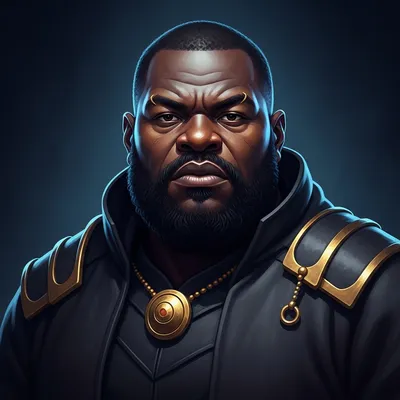
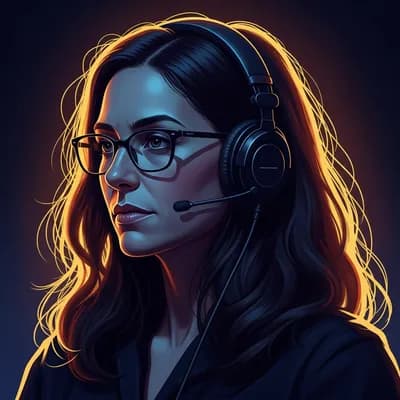
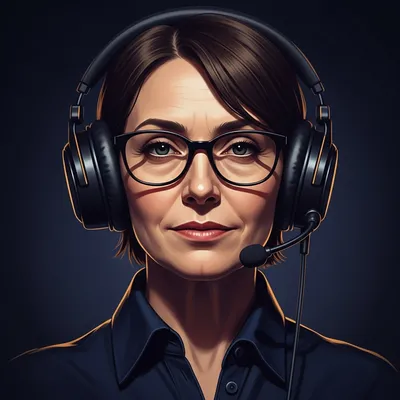
6 narrator-quality voices — listen before you clone
Not sure how your cloned voice should sound? Try these professional narrator voices first. Each one covers a different style — calm and documentary, dramatic and gruff, authoritative female, refined British. Click play to hear the sample, then open it in the generator.



How to clone narration voice for short-form content
Short-form creators have different needs than long-form producers. On TikTok, Shorts, and Reels, the voice has to cut through fast. The first line matters more. Cadence matters more. Caption alignment matters more.
That changes the workflow. You are not just generating speech. You are building retention assets. A cloned narration voice for short-form should pair well with export-ready audio and timed captions so your edit moves faster.
That is why tools designed for creators stand out. Vocallab AI is built for fast creator workflows, with voice generation, voice cloning, MP3 export, and SRT captions with karaoke-style word highlighting in one workspace. For creators posting daily, that compression of steps is not a small detail. It is the difference between testing more ideas and missing the upload window.
If you are making faceless videos, this matters even more. Your narrator becomes the personality layer of the channel. A recognizable cloned voice can make recycled formats feel more branded, which helps across serialized content like Reddit stories, gaming updates, explainers, and niche commentary.
Common mistakes that make cloned narration fall apart
Bad source audio
The most common mistake is feeding the system bad audio and expecting premium output. Room echo, clipping, laptop fan noise, and inconsistent delivery all show up later in every generated line.
Forcing one voice everywhere
A narration clone that works for calm storytelling may not be the best fit for high-energy product promos. Sometimes the answer is not forcing one voice everywhere. It is choosing the right voice profile for the job.
Ignoring legal and consent issues
If the voice is [your own](/ai-tools/generate-voiceovers-using-your-voice) or one you have explicit rights to use, you are in a much safer position. If it is someone else's voice without permission, you are creating risk for your brand, your clients, and your platform accounts.
What to look for in a voice cloning platform
If your real goal is content output, judge the tool by workflow impact.
Generation speed
Can it produce clean audio fast enough for daily or batch scheduling? Near real-time generation is not optional when you are uploading multiple times a week.
Natural-enough reads
Test it with a real script — a YouTube intro, a 30-second ad read, or a story hook. That tells you more than any feature list or demo line.
Export readiness
Can you export files that drop cleanly into your editing stack? MP3 output and SRT captions in the same workspace removes the biggest time cost in post-production.
Consistent narrator identity
Can you keep using the same narrator across a series? A clone that drifts between scripts breaks the brand feel that makes serialized content retain viewers.
Privacy and policy standards
If you are publishing commercially, are the platform's data handling and consent standards strong enough to trust with your voice recordings long-term?
Is cloning your narration voice always the best move?
Not always. If you do not have a strong voice identity yet, a curated voice library can be the better starting point. Some creators spend time cloning their own voice, then realize a professional preset voice performs better for their niche. Others want the ownership and consistency of a custom narrator because their audience already recognizes them.
There is no single right answer. If your brand is built around you, cloning makes sense. If your goal is rapid testing across multiple content styles, starting with proven voices may be faster.
The good news is you do not have to choose based on theory. Test both in your actual workflow. Compare watch-time impact, edit speed, and how often you need retakes. The best narration voice is the one that helps you publish more, stay consistent, and still sound polished.
A cloned narrator should feel like a production shortcut your audience never notices. When it works, you stop thinking about the voice and start shipping more content with less friction.
- Record source audio in a quiet room with no reverb or background noise
- Match the delivery style to the content you will actually generate
- Test the clone with a real script — not just a single demo sentence
- Break long sentences and use commas to guide natural pauses
- Verify voice consistency across 45–60 seconds of continuous narration
- Confirm MP3 drops cleanly into your editing stack before committing
- Check SRT caption timing if you publish on TikTok, Shorts, or Reels
Build your narration voice — publish it everywhere
Clone your voice or choose from 300+ professional narrators. MP3 + SRT export. Full commercial rights on every plan.
Encrypted voice training · Near real-time generation · Word-highlighted SRT