

A cloned voice is only useful if you can actually publish with it.
That is the real buying question behind any secure voice cloning platform. Not whether the demo sounds impressive for ten seconds. Not whether the interface looks polished. What matters is whether you can clone a voice, generate clean narration fast, protect your recordings, and move straight into editing without second-guessing ownership, privacy, or output quality.
For creators posting on TikTok, YouTube Shorts, faceless channels, gaming videos, and story formats, the stakes are practical. You need speed. You need consistency across dozens of uploads. And if you are using your own voice or a client-approved voice identity, you need safeguards that are clear enough to trust in a real production workflow.
What a secure voice cloning platform should actually do
Security in voice cloning gets talked about too loosely. For creators and small teams, it is not just about encrypted storage as a checkbox. It is about whether the platform is built to reduce risk across the whole workflow — from uploading source audio to generating final MP3 files for commercial use.
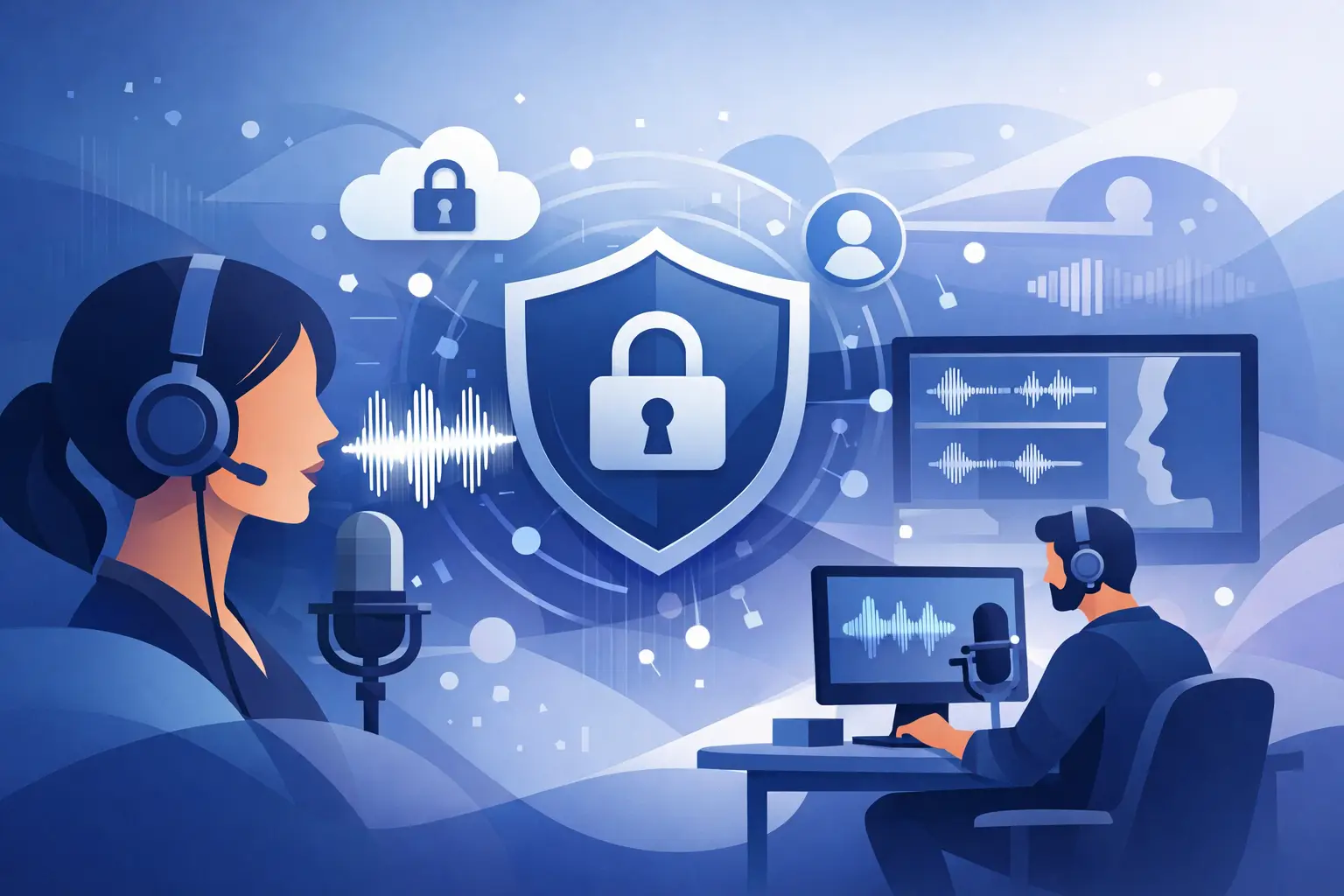
A secure voice cloning platform should protect voice recordings in transit and at rest, define who owns the cloned voice output, and make consent expectations explicit. It should also make it hard to misuse the tool. If a platform treats voice cloning like a novelty feature with vague rules, that is a warning sign.
There is also a difference between technical security and operational security. Technical security covers encryption, account protection, and controlled access. Operational security is about policy, moderation, permission standards, and how the company handles disputes or abuse claims. Serious buyers should care about both.
Why creators need more than just a good-sounding clone
If you publish often, your workflow will expose every weak point in a voice tool. A voice might sound natural in a sample line but break down across longer scripts. A clone might be usable for one video but inconsistent across a series. A platform might let you generate audio quickly but fail at the last mile by not giving you export formats that fit short-form editing.
For short-form creators, production means a few things. You need fast turnaround so a script can become audio in seconds, not hours. You need a stable narrator identity across episodes. You need captions that save editing time. And you need commercial clarity — because most people searching for this are not making hobby projects. They are building channels, client work, ad creatives, podcasts, or serialized content.
A platform can claim security and still create friction everywhere else. If it takes too long to generate audio, if exports are messy, or if the voice is inconsistent, you will end up recording manually again. Security matters most when it supports speed instead of slowing the whole process down.
Clone your voice — secure, fast, and creator-ready
Encrypted voice training · Near real-time generation · MP3 + SRT export · Full commercial rights
Try voice cloning free →How to evaluate a secure voice cloning platform
The fastest way to evaluate a platform is to look at five areas together, not one by one.
Voice consent and policy
If the platform is serious, it will be clear about who can be cloned and under what permission standard. Vague language usually means future problems.
Data handling
Encrypted uploads and storage, with clear answers about how recordings are used. If that answer is fuzzy, move on.
Output consistency
Run short scripts, long scripts, excited reads, calmer reads, and lines with names or technical terms. A secure platform still has to be a good voice tool.
Export readiness
Clean MP3 export for editors, SRT captions for short-form retention. If post-production requires extra tools, the workflow breaks down.
Pricing logic
Complicated plans signal a product not built for recurring production. Usage-based systems work well when they are predictable enough to scale.
Secure voice cloning features that matter most
Voice ownership and consent controls
This is the foundation. If you are cloning your own voice, the platform should make that process direct and well-defined. If you are working with clients or team narrators, there should be a clear permission trail. The less ambiguity here, the safer your business is later.
Fast generation for daily posting
Creators who publish every day do not need a voice lab. They need output. Near-real-time generation is not a luxury when your process includes scripting, editing, thumbnails, and uploads on a tight schedule.
MP3 and SRT exports
This is one of the easiest ways to tell whether a platform understands creator workflows. Audio alone is not enough for short-form. Captions increase retention, and word-level timing can save serious editing time.
Consistent voice identity across a series
A clone should not drift every time you generate a new script. If your storytelling channel, gaming recap series, or brand account relies on a repeatable narrator, consistency is part of quality control.
Commercial-ready usage
A lot of creators start with personal projects and quickly move into monetized publishing. If the licensing or usage rules are unclear, that can become a problem right when the channel starts working.
6 professional voices — listen before you clone
Not sure which voice style fits your content? Try these professional voices first. Each one covers a different creator use case — from calm documentary narration to energetic short-form delivery. Click play to hear the sample, then open it in the generator.






Where many platforms fall short
A lot of tools market security as a trust badge while ignoring the creator workflow. That usually shows up in one of three ways.
The three failure modes Slow production kills batch scheduling. Weak post-production support forces creators to patch together extra tools. Policy confusion creates legal exposure right when a channel starts monetizing. All three are avoidable if you evaluate the platform properly before committing.
The first is slow production. You upload audio, wait for processing, test lines, regenerate repeatedly, and lose momentum. That may be acceptable for occasional use, but not for a daily content engine.
The second is weak post-production support. You get a voice file, but no useful caption export, no word alignment, and no polished handoff into editing. That forces creators to patch together extra tools.
The third is policy confusion. Some platforms sound permissive until there is a dispute. Then the terms suddenly matter. If you are building a business around a cloned voice, that uncertainty is expensive.
A creator-first approach to secure voice cloning
A better model is simple: protect the voice, speed up production, and give creators export-ready assets.
Vocallab AI Voice Cloning pairs voice cloning with encrypted data handling and a policy-first approach, but it does not stop at trust messaging. The workflow is built for fast generation, MP3 export, and SRT captions with karaoke-style word highlighting — exactly the kind of output that helps TikTok, Shorts, storytelling, and faceless channel creators move faster.
That matters because security should not sit in a separate tab from the real work. If you clone your voice for a recurring series, you want one workspace where the voice is protected, generation is fast, and the final assets are ready to edit.
There is also a practical advantage in how this kind of system scales. A solo creator can start with a few pieces of content, while a small agency or commercial team can forecast usage more cleanly when pricing maps to generated seconds. It reduces friction when content volume picks up.
Who should care most about a secure voice cloning platform
If you are a faceless YouTube creator, security matters because your cloned narrator may become part of your channel identity. If you are a gaming creator, it matters because speed and consistency are everything when trends move fast. If you run client work, it matters because permissions, ownership, and professional handling are not optional.
The same goes for podcast teams, audiobook producers, app builders, and brands creating ad variations at scale. Once voice becomes part of your repeatable production system, weak safeguards stop being a theoretical concern.
| Feature | Vocallab | Generic Tools | Built-in Platform TTS |
|---|---|---|---|
| Natural cloned delivery | ✅ Yes | ⚠️ Varies | ❌ No |
| Near real-time generation | ✅ Yes | ⚠️ Sometimes | ❌ Often slow |
| MP3 export | ✅ Yes | ✅ Yes | ⚠️ Sometimes |
| SRT caption export | ✅ Yes | ⚠️ Sometimes | ❌ Rarely |
| Word-level caption sync | ✅ Yes | ❌ No | ❌ No |
| Explicit privacy policy | ✅ Yes | ⚠️ Varies | ❌ Often vague |
| Pro voice library backup | ✅ Yes | ❌ No | ❌ No |
| Full commercial rights | ✅ Always | ⚠️ Check ToS | ❌ No |
The right question to ask before you choose
Do not ask only, "Does this voice sound real?" Ask, "Can I trust this workflow enough to build on it every week?"
That question is better because it forces the platform to prove more than audio quality. It has to prove reliability, output readiness, and policy discipline. For creators, that is what separates a clever tool from a real production asset.
If a secure voice cloning platform gives you protected voice training, fast generation, clean exports, and a repeatable narrator you can actually publish with, it is not just saving time. It is making your content system more stable. And when you are trying to post faster without lowering quality, stability is what keeps the channel moving.
- Verify consent and encryption policy are explicit — vague language is a business risk
- Test with a real script: a short hook, a longer narration, and a revision pass
- Check voice consistency across 45–60 seconds of continuous speech
- Confirm generation speed is fast enough for daily batch scheduling
- Verify SRT export timing before committing — drift hurts fast edits
- Check MP3 drops cleanly into CapCut, Premiere, or DaVinci
- Look at per-second pricing — it scales better than vague credit packs for commercial use
FAQs about secure voice cloning
What makes a voice cloning platform secure?▾
A secure platform encrypts voice recordings in transit and at rest, has explicit consent requirements before any voice can be cloned, and publishes clear anti-misuse policies. Technical security (encryption, account protection) and operational security (policy enforcement, dispute handling) are both important.
Can I use a cloned voice commercially?▾
On Vocallab, yes — all generated audio including cloned voice output includes full commercial rights. Always check the terms on any platform before building monetized content around a cloned voice.
How many samples do I need to clone my voice?▾
The quality of source audio matters more than quantity. Clean, consistent recordings with minimal background noise produce the most stable clones. Most platforms including Vocallab give specific guidance on sample length and quality during the cloning setup.
Does voice cloning work for TikTok and YouTube Shorts?▾
Yes, if the platform handles pacing well and generation is fast enough for daily workflows. Short-form content is less forgiving of stiff timing, so testing with real hooks before committing is important. SRT caption export is also essential for short-form retention.
Is voice cloning better than using a stock AI voice?▾
It depends on your goal. A stock voice is faster to start with and requires no samples. Voice cloning is better when you want a recognizable narrator identity tied to your brand or content series — something that builds audience familiarity over time.
Clone your voice — publish with confidence
Encrypted voice training, near real-time generation, MP3 + SRT export. Full commercial rights on every plan.
Policy-first cloning · Word-highlighted SRT · Fast enough for daily publishing