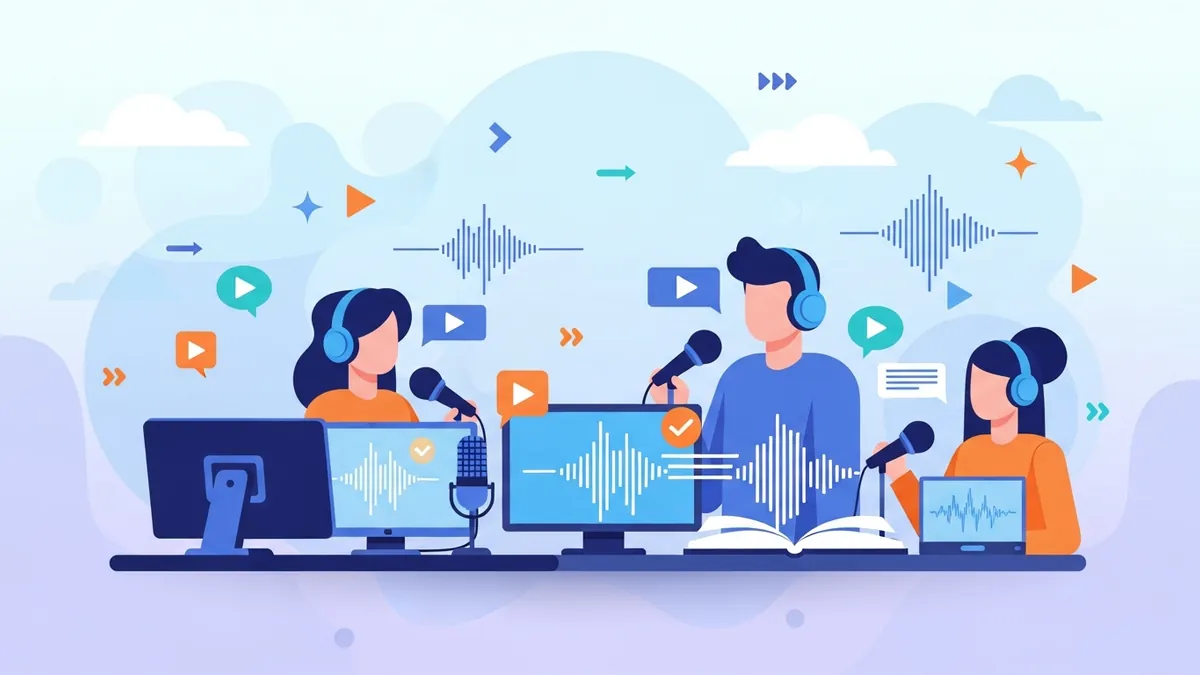
An AI narrator voice reads your script aloud in a natural, human-sounding voice — no microphone, no recording booth, no voice actor. You paste the text, pick a narrator, and get clean audio in seconds. For anyone publishing videos, audiobooks, or podcasts, it removes the single slowest step in the workflow.
This guide covers what an AI narrator voice is, how to choose the right one for your genre, and how to generate narration that actually sounds human. You can try the narrator voice generator now, browse the full voice library, or narrate everything in your own cloned voice.
What Is an AI Narrator Voice?
An AI narrator voice is a text-to-speech voice tuned specifically for narration — the steady pacing, clear diction, and emotional restraint that a story or documentary needs, rather than the flat, robotic delivery of old TTS. You type or paste a script, choose a voice, and the model speaks it with natural rhythm, breaths, and emphasis.
The practical win is speed and consistency. A full video voiceover or an audiobook chapter that used to mean an hour in front of a mic now renders in seconds, and every line sounds like it came from the same narrator — because it did.
Pick the Right Narrator for Your Genre
The best AI narrator voice depends entirely on what you're narrating. A true-crime documentary wants gravel and weight; a children's story wants warmth and energy. Matching the voice to the genre is what makes narration feel intentional instead of generic.
| Content type | Narrator style | Why it works |
|---|---|---|
| Documentary / history | Deep, gravelly male | Authority and gravitas hold a serious topic |
| Audiobook fiction | Intimate, natural narrator | Draws the listener in over long stretches |
| Explainers / how-to | Warm, clear female | Approachable and easy to follow |
| Kids' stories | Bright, expressive | Energy and character keep young listeners engaged |
| True crime / thriller | Calm, measured | Restraint makes the tension land harder |
How to Generate an AI Narrator Voice (Step by Step)
Paste your script
Drop in your narration script — a paragraph, a full chapter, or an entire video voiceover.
Choose a narrator
Pick a genre-matched voice from the library, or audition a few from the grid below.
Generate and preview
Render the audio and listen for pacing and tone before you commit.
Export and publish
Download clean MP3 (with word-level subtitles if you need them) and drop it straight into your video or audiobook.
Turn any script into narration in seconds
Paste your text, pick a narrator, and export clean audio — no mic, no retakes.
Open the narrator voice generatorWhat You Can Narrate With an AI Voice
Story narration
Narrate short stories and fiction with a voice that matches the mood.
Horror & thriller
Give creepy stories the measured, unsettling delivery they need.
Audiobooks
Narrate a whole book chapter by chapter with a consistent narrator.
Reddit stories
Turn Reddit threads into faceless-channel voiceovers fast.
Documentaries
Add authoritative narration to explainer and history content.
Audition These AI Narrator Voices
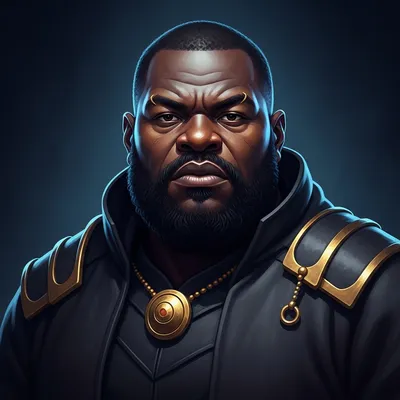
Here are six versatile narrators from the library — a mix of accents, genders, and tones so you can hear the range before you pick. Press play on each, then open the full voice library to explore hundreds more.





| Voice | Accent | Tone | Rating |
|---|---|---|---|
| Intimate Male Audiobook Narrator | Neutral American | Intimate | ★★★★★ |
| Deep Gruff Male Narrator | Neutral American | Cinematic | ★★★★★ |
| Calm British Male Narrator | British | Calm | ★★★★★ |
| Gravelly Male Documentary Voice | Neutral American | Gravelly | ★★★★★ |
| Bright Expressive Female Storytelling | Neutral American | Expressive | ★★★★★ |
| Warm Natural Female Explainer | Neutral American | Warm | ★★★★★ |
Make an AI Narrator Sound Natural (Not Robotic)
- Match the voice to the genre — a documentary voice reading a kids' story will always sound off.
- Clean up your script: expand abbreviations, spell out numbers, and add punctuation for natural pauses.
- Break long text into paragraphs so the narrator breathes in sensible places.
- Fix any mispronounced names or terms by adjusting the spelling phonetically.
- Preview a short passage first and adjust the voice before rendering the whole thing.
Want it in your own voice? If you'd rather narrate in your voice, record one short sample and clone it — then generate unlimited narration that sounds like you. See our guide on AI voice cloning for creators, or start at the clone-your-voice page.
Frequently Asked Questions
What is an AI narrator voice?▾
It's a text-to-speech voice tuned for narration — steady pacing, clear diction, and natural emphasis. You paste a script, pick a narrator, and get human-sounding audio without recording anything yourself.
Which AI narrator voice sounds the most natural?▾
The most natural result comes from matching the voice to your content: a deep, gravelly voice for documentaries, an intimate voice for audiobooks, a warm voice for explainers. Audition a few from the grid above and pick the one that fits the mood.
Can I use an AI narrator voice for YouTube and audiobooks?▾
Yes. AI narration is widely used for YouTube videos, faceless channels, and audiobooks. On a commercial plan you can publish and monetize the audio — check the pricing page for commercial usage rights.
How do I stop the narrator from sounding robotic?▾
Match the voice to the genre, clean up your script (numbers, abbreviations, punctuation), break text into paragraphs so it breathes, and fix any mispronounced names phonetically.
Can I narrate in my own voice instead?▾
Yes. Record a short sample once, clone it, and generate unlimited narration in your own voice across every video, podcast, and book.
Give every script a narrator that sounds human
Paste your text, pick a genre-matched AI narrator, and export clean audio in seconds — for videos, audiobooks, and podcasts.
Related: Best tools for video narration and Storytelling voice generator for TikTok.