


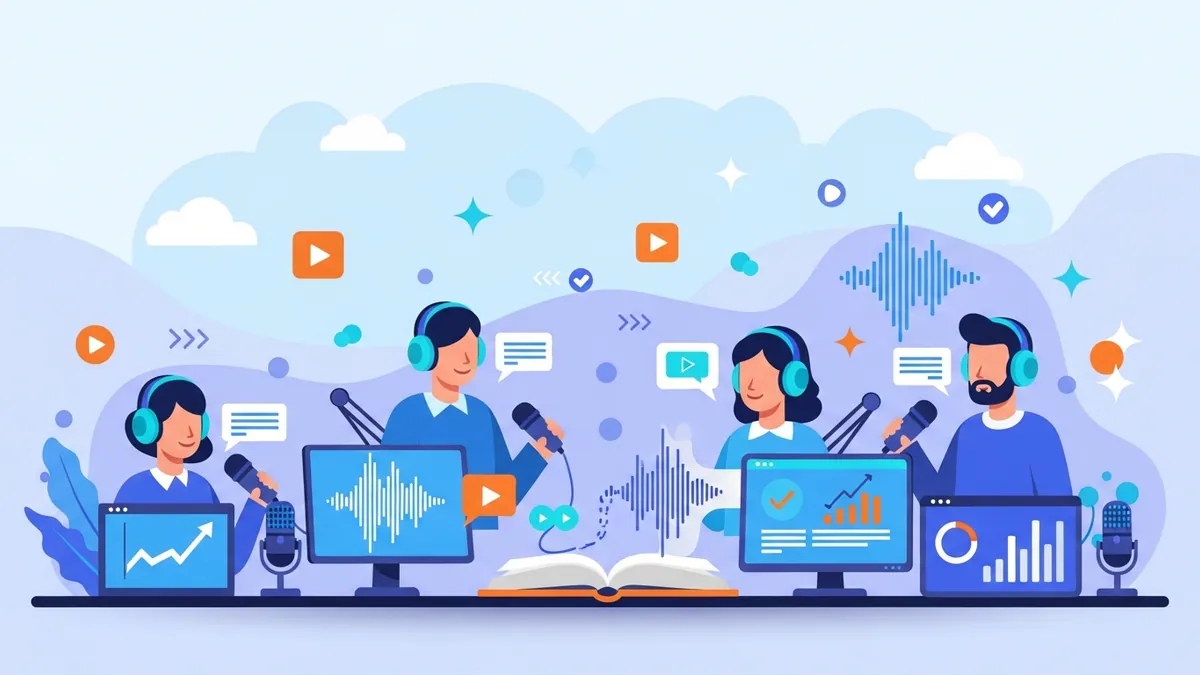
You can now upload a manuscript and get a cast list back. Chapters are detected automatically, and every line in the book is assigned to a character: dialogue attributed to whoever spoke it, narration left with the narrator. You cast a voice per character and generate.
This is the part of turning a book into a multi-voice audiobook that nobody talks about, because until now it was the part you did by hand. If you have a full-length ebook and just want it read in one voice, our general ebook-to-audiobook guide covers that flow. This post is about the new casting pass specifically: what it detects, what it gets right, what it gets wrong, and where you fix it.
What Shipped
Upload a manuscript in EPUB, TXT, PDF, or DOCX. The system splits it into chapters, reads through every line, and decides who is speaking: the narrator, or a character. Lines of dialogue get attributed to a name where the text makes that clear; everything else stays with the narrator. What comes back is a cast list built from your own book, not a generic template, ready for you to assign a voice from the library to each name.
Chapter detection
Chapter breaks are found automatically so you are not slicing the manuscript by hand before you start.
Line-by-line attribution
Every line in the book is tagged as narration or as a specific character's dialogue.
A cast list, not a guess
The output is a list of names pulled from your manuscript. You cast a voice for each one.
Editable before you generate
Nothing renders until you have confirmed the cast, so a wrong attribution costs you a click, not a re-render.
The Casting Pass, Step by Step
The whole flow runs in four stages, and you can stop and check the work at any of them before spending a single point on generation.
Upload your manuscript
EPUB, TXT, PDF, or DOCX. The file is scanned for chapter breaks and structure before anything else happens.
Review the detected chapters
Confirm the chapter split matches your book, or merge and split manually if the detection guessed wrong.
Check the cast list
Every character the analysis found is listed with their attributed lines. Fix any dialogue that landed on the wrong name.
Cast voices and generate
Assign a voice per character from the library, then render chapter by chapter.
Format Support, Plainly
The upload accepts EPUB, TXT, PDF, and DOCX. It does not accept MOBI; convert that file to EPUB first with any free converter before you upload it. The output is per-chapter audio, not a packaged M4B file, and there is no built-in pipeline to an audiobook distributor. You assemble and submit the final files yourself.
Heads up: A scanned PDF is rejected outright. There is no OCR, so if your PDF is a photograph of a printed page rather than real text, the upload will not work. Export or re-save the manuscript as text first.
Why a Cast List Instead of Just Audio
The old way to make a multi-voice audiobook meant reading through your own manuscript first, marking every line as narration or dialogue, and noting which character said what, all before you could touch a single voice setting. That step alone could take longer than recording the book. The casting pass exists to do that marking for you, so the first thing you see after upload is a list of characters and their lines, not a blank page waiting for you to start tagging.
What the Cast List Gets Right, and Where You Still Have to Look
This is a first pass over a real manuscript, and dialogue attribution has genuinely ambiguous cases: an unmarked line after a group scene, a name that only appears three chapters later, a narrator who briefly speaks as a character. Do not expect a perfect cast list on the first read. Expect a cast list that has already done the tedious 90% of the work, so you spend your time on the interesting 10%: the handful of lines that need a human decision.
Think of the analysis as a draft you check, not a final answer you publish. Skim the cast list chapter by chapter, listen for anything that reads oddly once it is voiced, and correct the attribution in the editor. That correction takes seconds per line; doing the attribution from scratch across a full novel does not.
Marking every line of dialogue by hand, chapter by chapter, before you could even start casting voices.
✅ Opening a cast list that already has the lines sorted, and spending your time correcting the handful that are genuinely ambiguous.
What This Doesn't Do
- It does not output an M4B or any chapter-marked audiobook container. You get per-chapter audio files.
- It does not submit or format your book for ACX or any other distributor. That step is on you.
- It does not read a scanned PDF. There is no OCR, so image-only pages are rejected before analysis starts.
- It does not translate your text. Whatever language the manuscript is in is the language it narrates in.
Upload a chapter and see the cast list it builds
Try the analysis on a real chapter before you commit a full manuscript.
Try the casting passCasting Voices From the Library
Once the cast list is confirmed, casting is just picking a voice per name from the library. Aim for contrast between characters who share scenes, and keep your narrator distinct from every character so listeners always know when the narration has handed off to dialogue. The six voices below are a reasonable starting cast for a book with a narrator, two or three principal characters, and one gruffer supporting voice.
| Voice | Accent | Tone | Rating |
|---|---|---|---|
| Intimate Male Audiobook Narrator | Neutral American | Intimate | ★★★★★ |
| Bright Expressive Female Storytelling | Neutral American | Expressive | ★★★★☆ |
| Deep Gruff Male Narrator | Neutral American | Commanding | ★★★★★ |
| Warm Natural Female Explainer | Neutral American | Warm | ★★★★★ |
| Friendly British Female Explainer | British | Friendly | ★★★★☆ |
| Gravelly Male Documentary Voice | Neutral American | Weathered | ★★★★★ |




Who This Is For
Novelists with dialogue-heavy fiction
Skip manually tagging every line of dialogue before you can even start casting.
Anyone converting an EPUB with characters
Upload the finished file and let the analysis find the chapters and the cast for you.
Authors working from a PDF manuscript
Text-based PDFs are supported; scanned ones are not, so check your file first.
Writers with a DOCX draft
Upload straight from your word processor without exporting to another format first.
Long manuscripts with many chapters
Chapter detection handles the splitting so you are not doing it by hand.
What It Costs to Try
The analysis itself is a normal part of the audiobook workflow. Generating the audio costs points the same way any narration does, charged by character count for the chapter you render, not by the length of the finished audio. A free account gets a one-time trial allowance, enough to run the analysis and generate a sample chapter so you can judge the cast list on your own book before you commit to a paid plan. See pricing for the plan breakdown if you plan to narrate a full-length manuscript.
Frequently Asked Questions
Does the casting pass work on any manuscript?▾
It works on EPUB, TXT, PDF, and DOCX files where the text is real, selectable text. A scanned PDF is rejected because there is no OCR. MOBI is not supported; convert to EPUB first.
How accurate is the character attribution?▾
It handles the majority of lines correctly on a typical novel, but treat it as a first pass. Ambiguous dialogue, especially in group scenes, is exactly where you should expect to make a manual correction before generating.
Can I edit the cast list before I generate any audio?▾
Yes. Nothing is rendered until you confirm the cast and the chapter split, so corrections cost you a click rather than a wasted generation.
Do I get a finished audiobook file I can upload to a store?▾
You get clean audio per chapter. There is no M4B packaging and no built-in distributor pipeline, so assembling and submitting the final files is a step you handle yourself.
Can I try this without a manuscript I care about ruining?▾
Yes. Upload a single chapter first, review the cast list it produces, and generate that one chapter before you commit the whole book.
Upload a chapter and see your own cast list
Chapters detected, dialogue attributed, and a cast ready for you to voice — try it on your own manuscript.