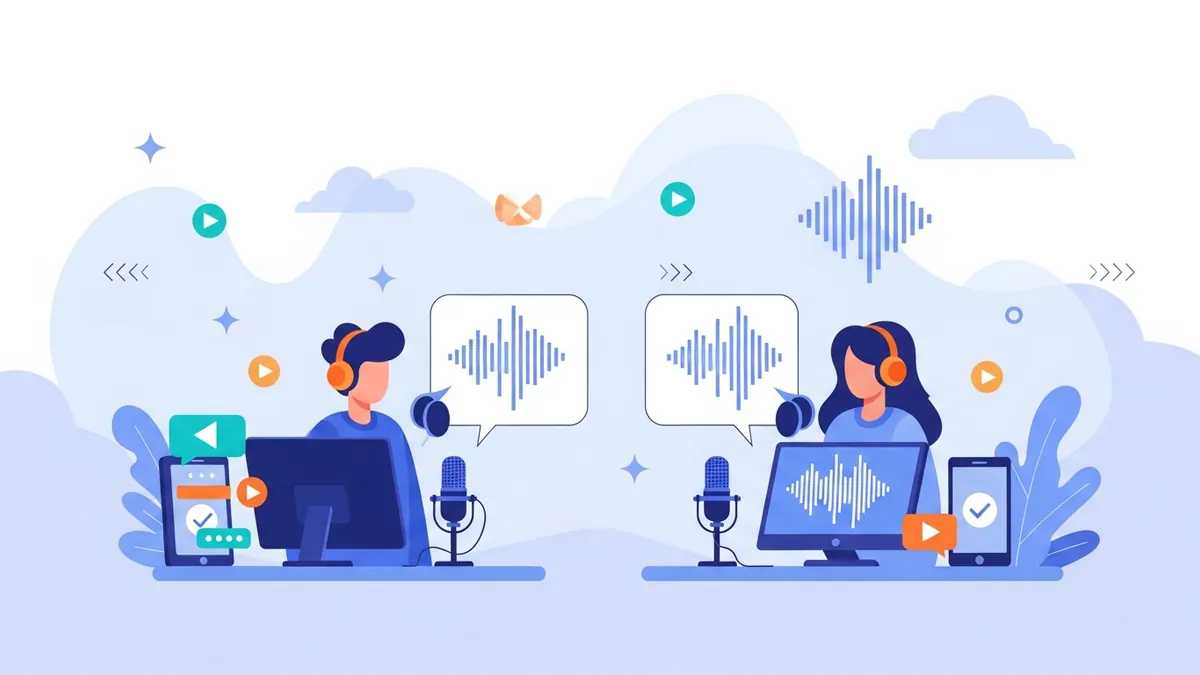
You can train an AI voice model for free — but what "free" gets you depends entirely on the quality of the audio you feed it. The training itself takes a couple of minutes and costs nothing on a free account. The part that decides whether the result sounds like you or like a bad phone call is the recording you make before you ever click a button.
This guide is about the mechanics: what a voice model actually is, what kind of input produces a usable one, how to diagnose a clone that sounds wrong, and an honest breakdown of where the free tier stops. If you just want to jump in, you can train a voice model on the clone page right now. If you'd rather understand the why first — we've written about that separately — keep reading.
What a "voice model" actually is
A voice model is a compact representation of what makes one voice sound different from every other voice: timbre, pitch range, resonance, accent, and the rhythmic habits of how a person moves between words. When you train one, you're not storing your recording — you're extracting the characteristics of it into something reusable.
Once that model exists, the workflow is simple: you type text, and the model speaks it. It doesn't need new audio from you, it doesn't need you at a microphone, and it produces the same voice on Monday that it produced last March. That consistency is the whole point of building a custom AI voice model rather than re-recording every project.
Two things it is not, because search results confuse this constantly: it is not real-time voice changing (we don't offer that), and it is not transcription or speech-to-text (we don't offer that either). Cloning goes one direction — record or upload a short sample, get a voice you can type into.
What actually goes into training (and what doesn't)
Clean signal
A quiet noise floor matters more than an expensive microphone. Hiss, hum, and room reverb all get learned as part of your voice.
Enough, not endless
A short clean sample beats twenty minutes of noisy audio. More material only helps if every second of it is good.
Delivery range
Statements, questions, a little energy. A monotone sample produces a monotone model — it can only copy what it heard.
One speaker only
No music beds, no second person, no clips from a podcast where someone talks over you. Overlap confuses the model badly.
How to train a voice model free, step by step
Set up the room, not the gear
Pick the smallest soft room you have — a bedroom with a made bed and curtains beats a big office. Turn off fans, AC, and anything with a fan spinning in it. Close the window.
Record 1–3 minutes of natural speech
Stay a consistent hand's width from the mic and don't drift. Read something with real variation in it — a page of your own script works far better than a tongue twister list.
Listen back before you upload
Play it on headphones. If you can hear a hum, an echo tail, or a mouth click every other word, re-record now. Fixing input is cheap; fixing a trained model is not.
Upload and train
Drop the file into the clone tool or record straight into it. Training runs in a couple of minutes and produces a reusable voice attached to your account.
Test with your real script
Don't judge it on "hello, this is a test." Generate an actual paragraph you plan to publish — that's where pacing and pronunciation problems show up.
Iterate on the sample, not the settings
If the result is off, the fix is almost always a better recording. Re-record the sample and retrain rather than fighting the output.
Consent first: Only train a model on a voice you own or have explicit written permission to use. Cloning a person's voice without their consent isn't allowed here, and it's the one rule with no workaround. See how we handle consent and security for the details.
The sample-quality checklist
Run through this before you upload anything. Every item on it is a mistake we see people make on their first attempt.
Train your first voice model free
Record one clean sample, get a reusable voice you can type into. No card needed to try it.
Train your voice modelYour clone sounds off — here's how to diagnose it
Almost every "it doesn't sound like me" complaint traces back to a specific, identifiable flaw in the source audio. Match the symptom to the cause before you retrain.
| What you hear | Likely cause | Fix |
|---|---|---|
| Hollow, distant, slightly echoey | Room reverb in the sample | Re-record in a smaller, softer room, closer to the mic |
| Constant faint hiss or buzz | High noise floor or ground hum | Kill fans/AC, change USB port, re-record |
| Flat and emotionless | Monotone reading in the sample | Re-record with real inflection — questions, emphasis, pace changes |
| Robotic on long sentences | Script problem, not model problem | Shorten sentences and add punctuation the model can breathe on |
| Muffled or boxy | Mic too close, or pointed at your chest | Back off slightly and aim the mic at your mouth, off-axis |
| Right timbre, wrong rhythm | Sample was read, not spoken | Re-record talking naturally instead of performing a script |
| Inconsistent across generations | Sample had varying distance or levels | Re-record in one take at a fixed distance |
20 minutes of podcast audio with music, a co-host, and room echo — "more data must be better."
✅ 90 seconds of you alone in a quiet bedroom, talking normally, no processing. This trains a noticeably better model.
What "free" actually covers
Here's the honest version, because vague free-tier claims waste everyone's time. A free VocalLab account starts with 60 points and lets you train one voice clone. Points work out to roughly a second of audio each — the real calculation is character-based, so treat it as an approximation rather than a hard rule. That's enough to train a model, generate several test paragraphs, and decide whether the output is good enough for your work.
The practical line: free is genuinely enough to train and evaluate a voice model. It is not enough to publish with — a single long-form video will exhaust it. If the clone sounds right and you want to keep generating, the pricing page lays out where each tier stops. Nothing about the model changes when you upgrade; you're buying generation volume, more clone slots, and export formats.
Don't want to clone? Start from these ready-made voices
Training your own model only makes sense when the identity of the voice matters — your face is on the channel, you're narrating your own book, listeners expect you. If you just need a good narrator, a professional voice from the library is instant and skips the recording problem entirely. Audition these six, or browse the full voice library.






| Voice | Accent | Tone | Rating |
|---|---|---|---|
| Intimate Male Audiobook Narrator | Neutral American | Intimate | ★★★★★ |
| Warm Natural Female Explainer | Neutral American | Warm | ★★★★★ |
| Calm British Male Narrator | British | Calm | ★★★★★ |
| Confident Female Narrator Voice | American | Confident | ★★★★★ |
| Energetic Male Explainer Voice | American | Energetic | ★★★★☆ |
| Articulate Female Narration Voice | Indian | Articulate | ★★★★☆ |
Plenty of people run both: a stock voice for utility content and their own trained model for anything with their name on it. You can also start with a library voice today and clone your voice with AI later without redoing any of your scripts. The rest of the AI voice tools cover the narrower use cases — audiobooks, shorts, e-learning, and so on.
Frequently Asked Questions
Can I really train an AI voice model for free?▾
Yes. A free account includes 60 starting points and one voice clone, which is enough to train a model and generate test audio to judge the quality. It's not enough volume to publish a full video or episode — that's what the paid plans are for.
How much audio do I need to train a good voice model?▾
One to three minutes of clean, single-speaker audio is a good target. Quality dominates quantity: 90 seconds recorded in a quiet room produces a better model than 20 minutes of noisy or echoey material.
Do I need a professional microphone?▾
No. A decent USB mic or even modern phone earbuds in a quiet, soft room will outperform an expensive microphone in an echoey space. Fix the room before you spend money on gear.
How many voice models can I train?▾
Free and Lite accounts get one clone. Pro ($24/mo) allows 10, which is what you need if you're managing several voices or working with clients. You can retrain your existing clone with a better sample at any time.
Can I train a model on someone else's voice?▾
Only with their explicit written permission, or for voice talent you've licensed. Training a model on a person's voice without consent is not permitted, regardless of where the audio came from.
Train your voice model in the next ten minutes
Record one clean sample, train it free, and hear your own voice read anything you type.
Related: How to clone a narration voice and AI voice cloning for creators.